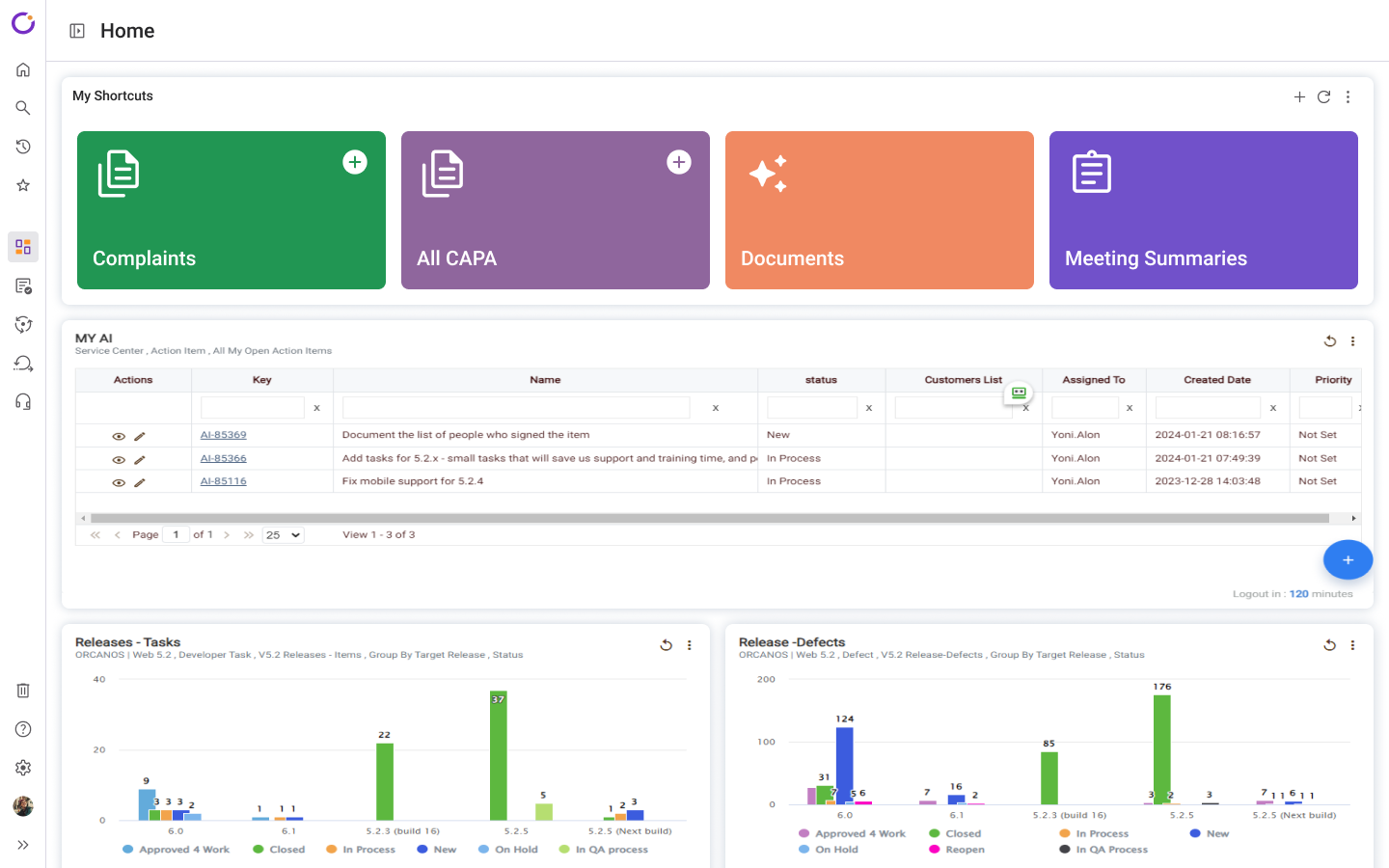
New Shortcuts Panel: Direct access into your processes and items in one click.
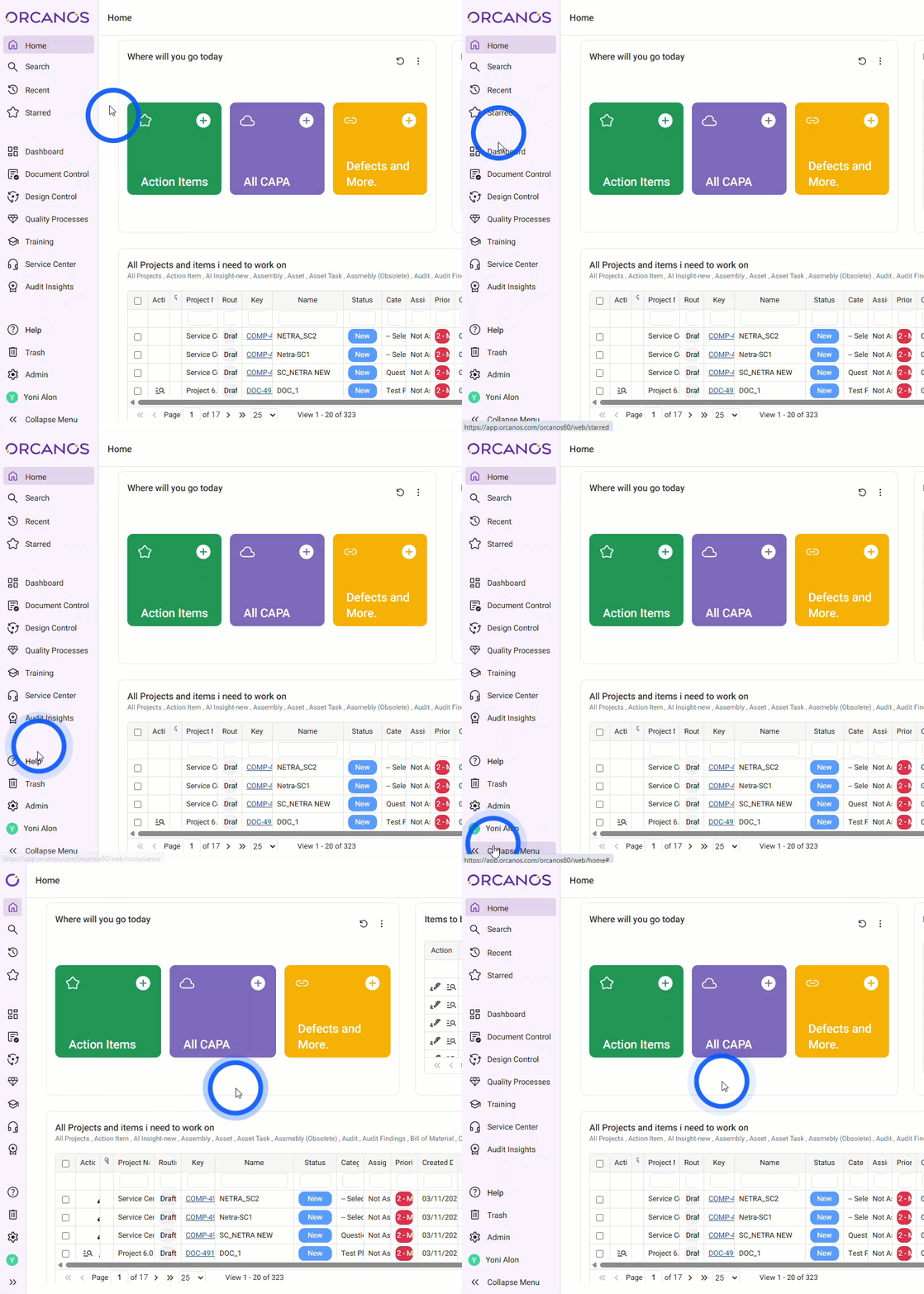
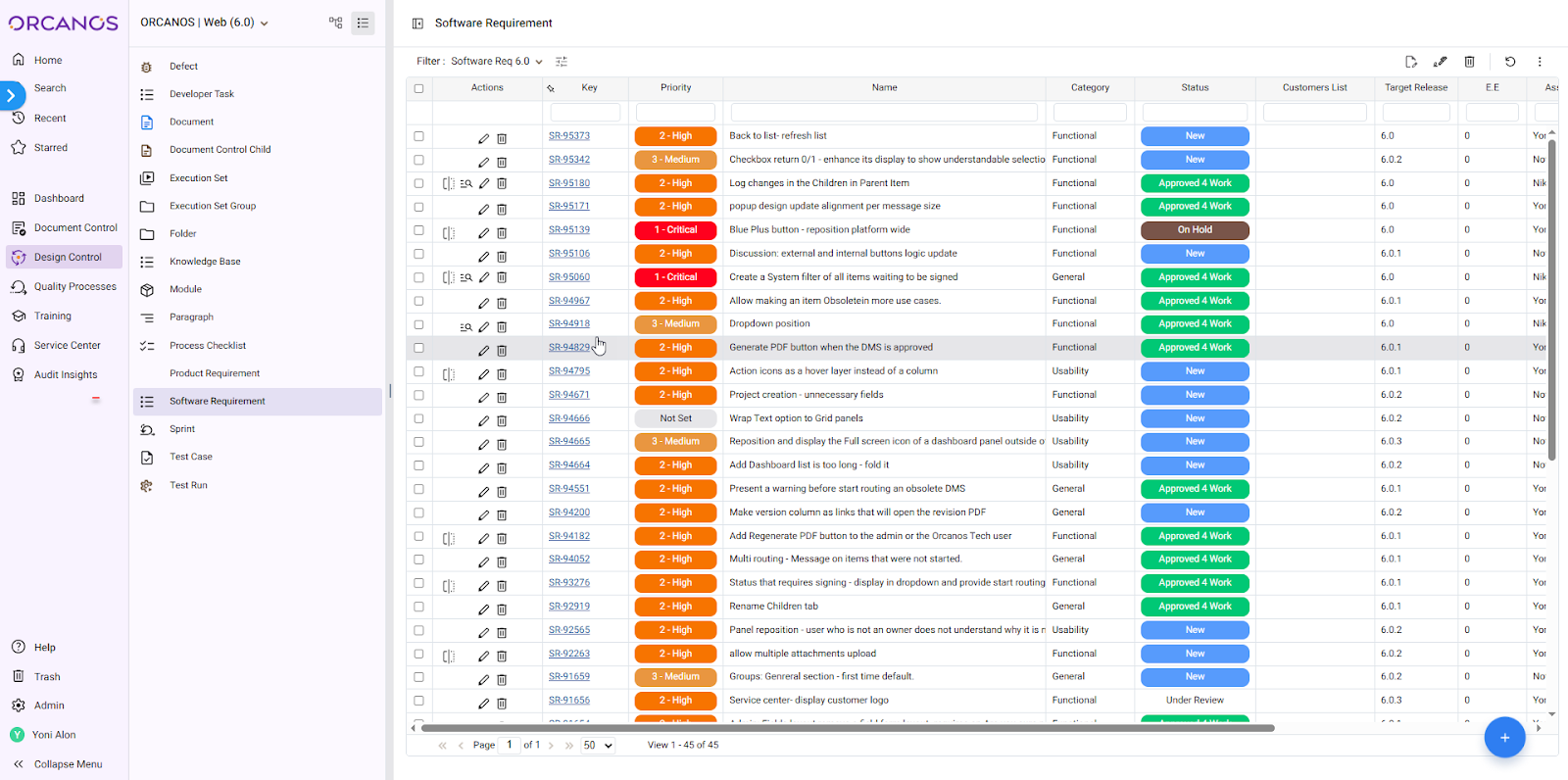
Sidebar Navigation: Centralized all system modules and tools.
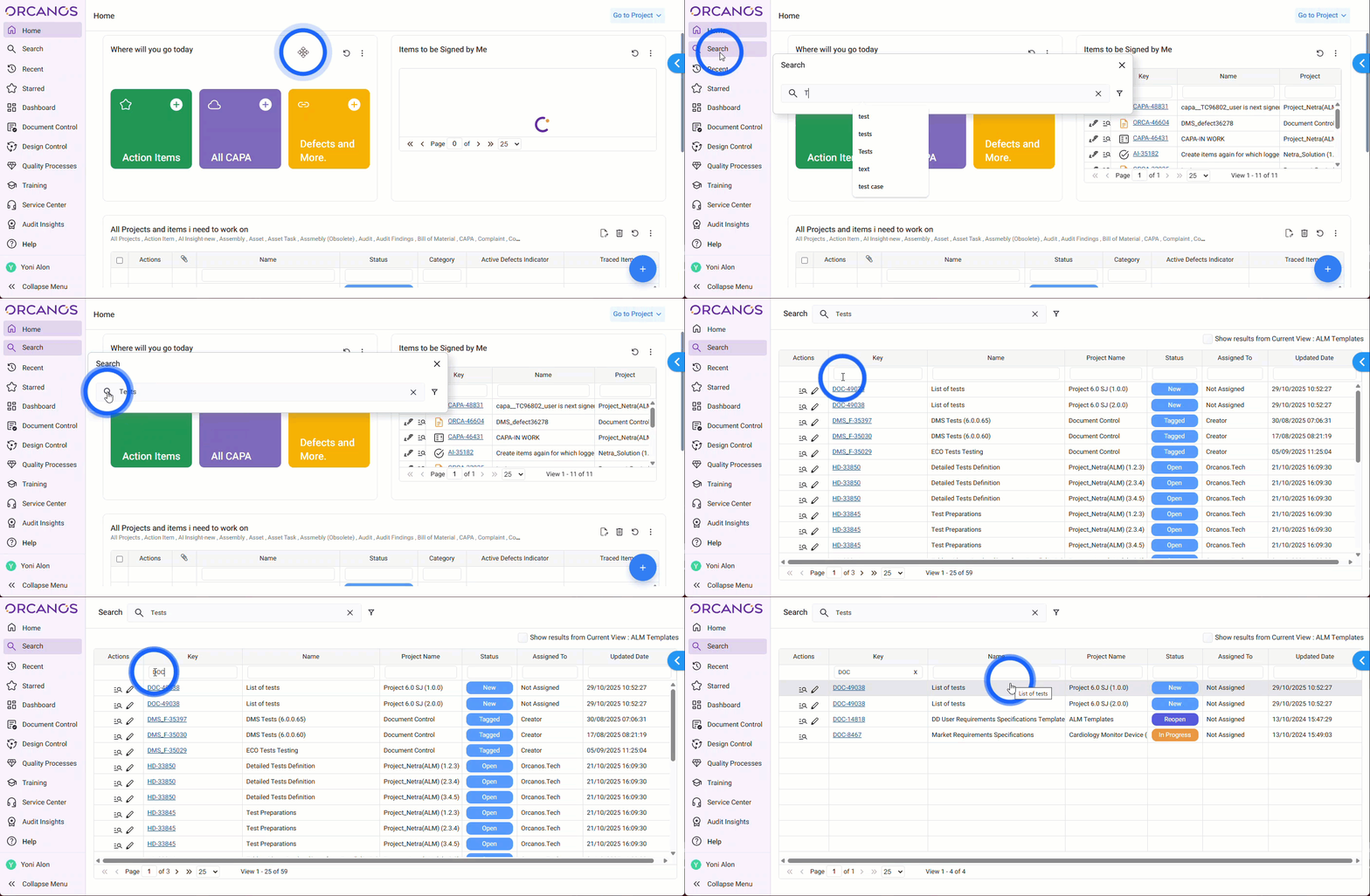
Quick Search: Accessible from the top of the Sidebar or via ‘/’ keyboard.
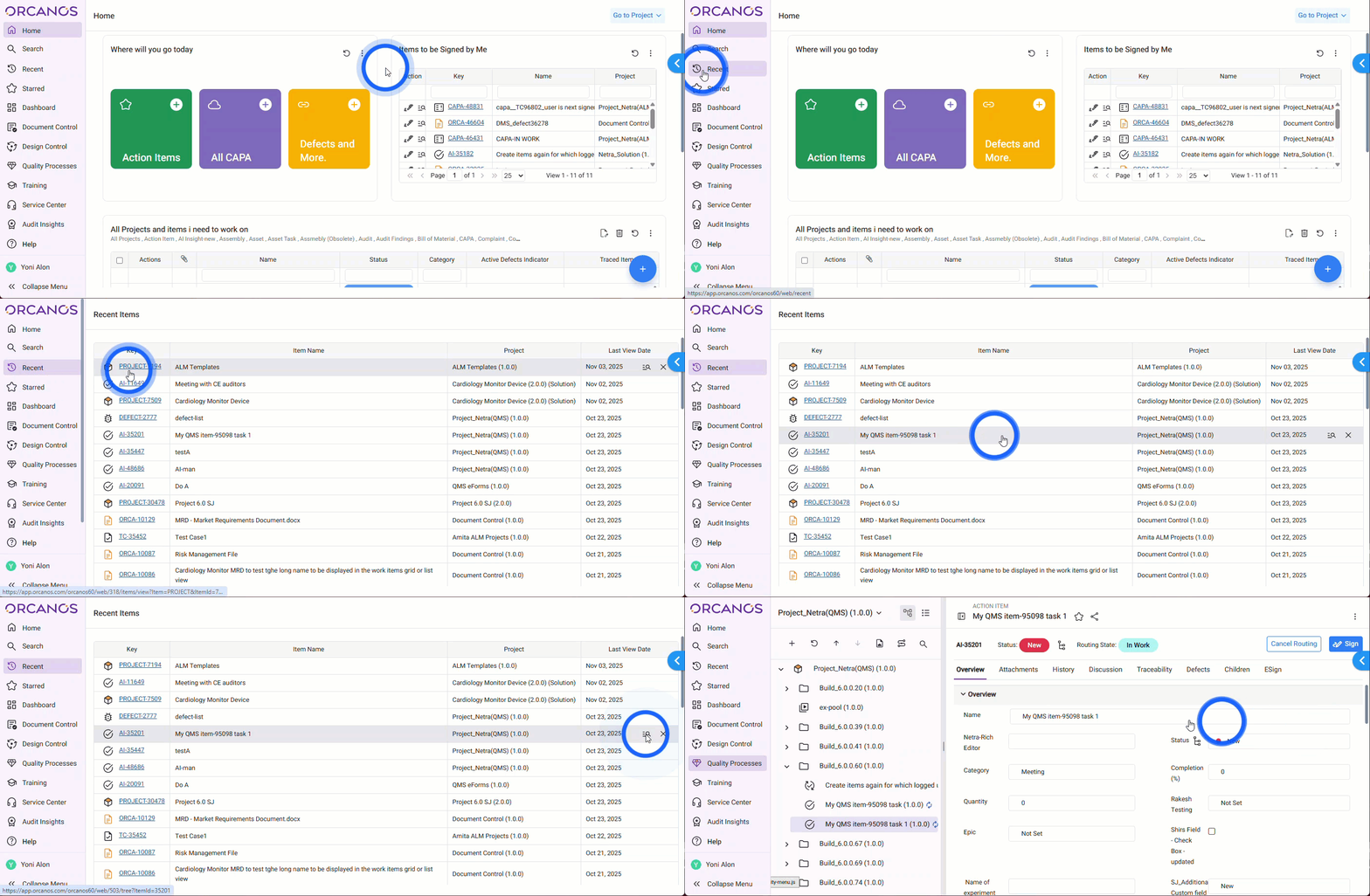
Recent & Starred: Always accessible at the top of the Sidebar.
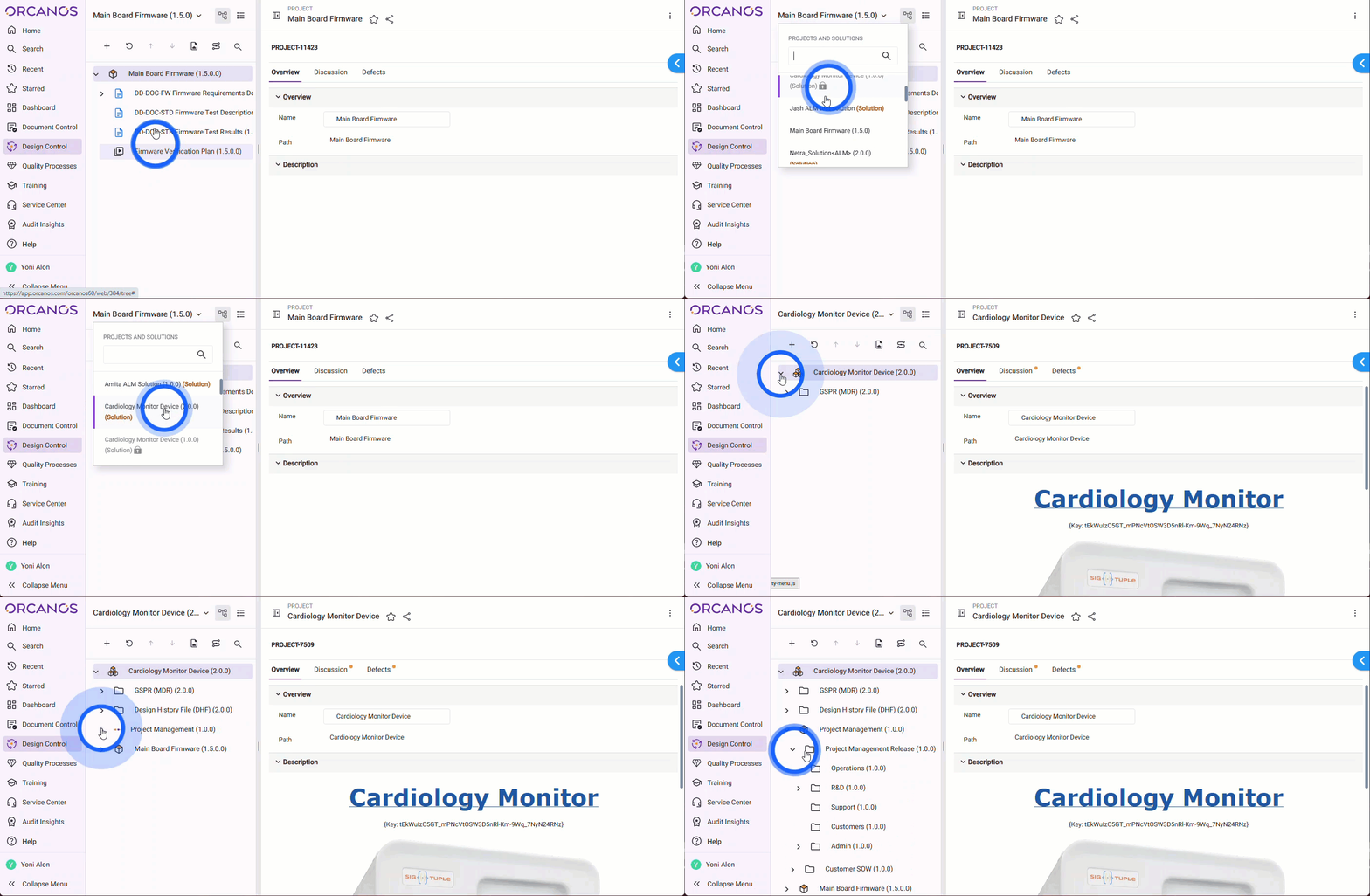
Project Selector: Relocated to the top-left on the left pane, for easier switching.
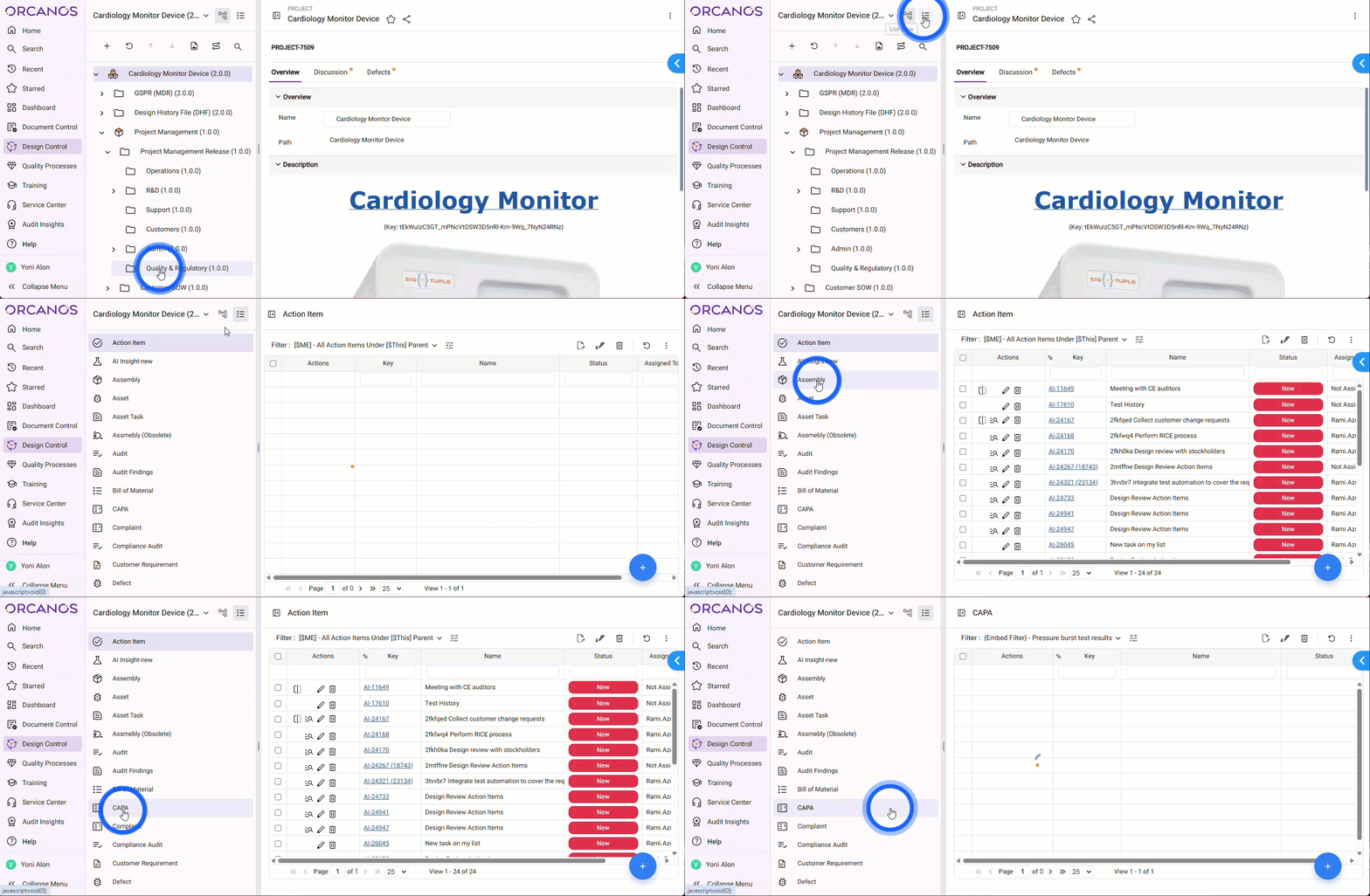
Tree/List Toggle: Switch between project tree or list view instantly.
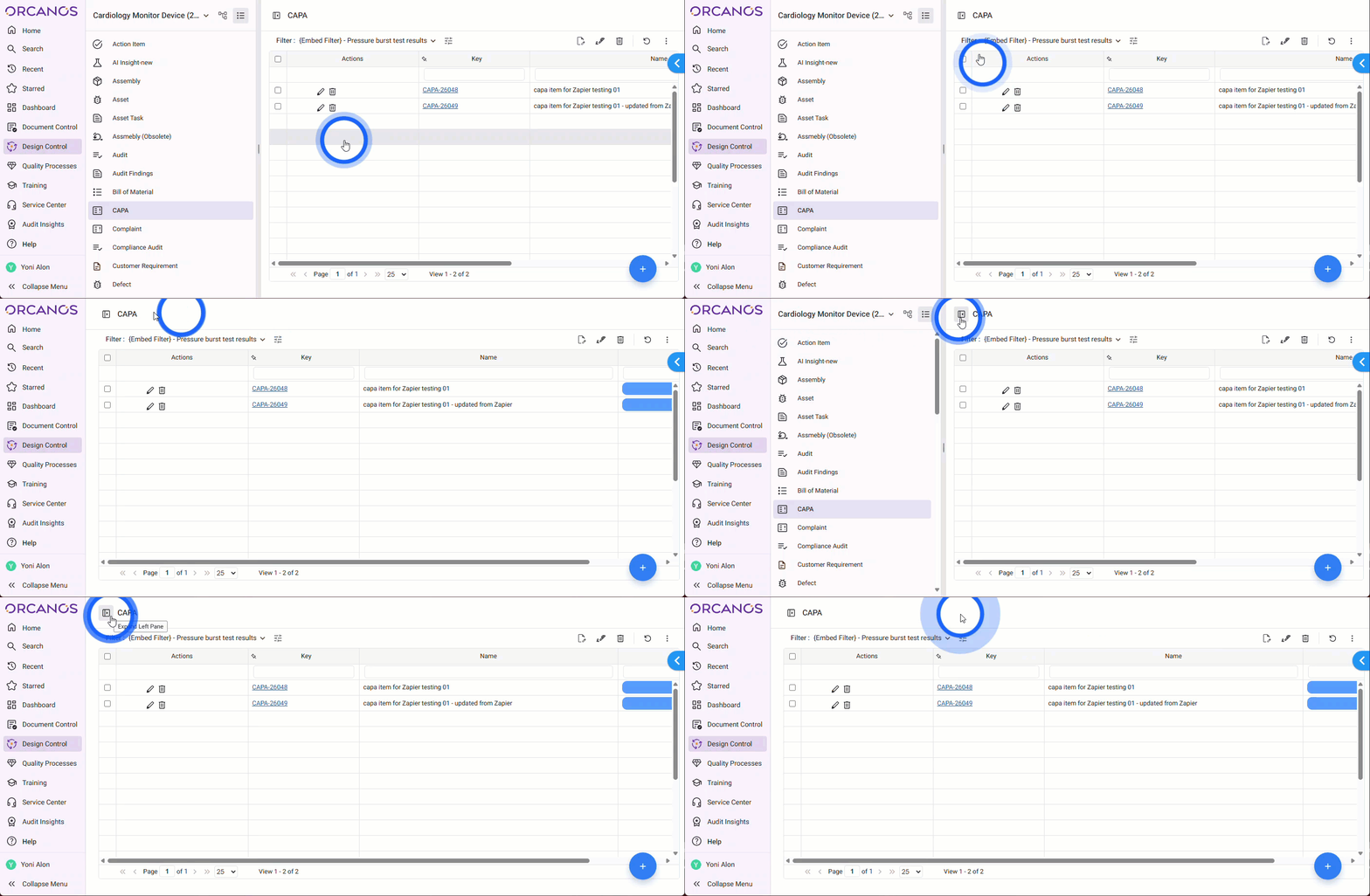
Left Pane: where all the lists and trees of work items are displayed.
The Status, Routing State, and Priority columns within the grid have been colored for improved visual identification.
DMS Items Action Bar: Show revision and routing state with quick download/edit links.
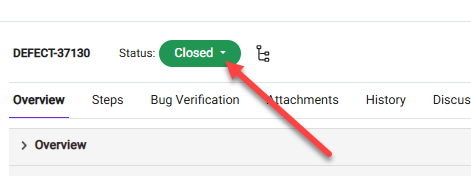
eForms Action Bar: Color-coded status bar with inline updates.
Browse & Edit: Click an item row to open browsing mode, which includes an Edit Mode for quickly editing multiple fields.
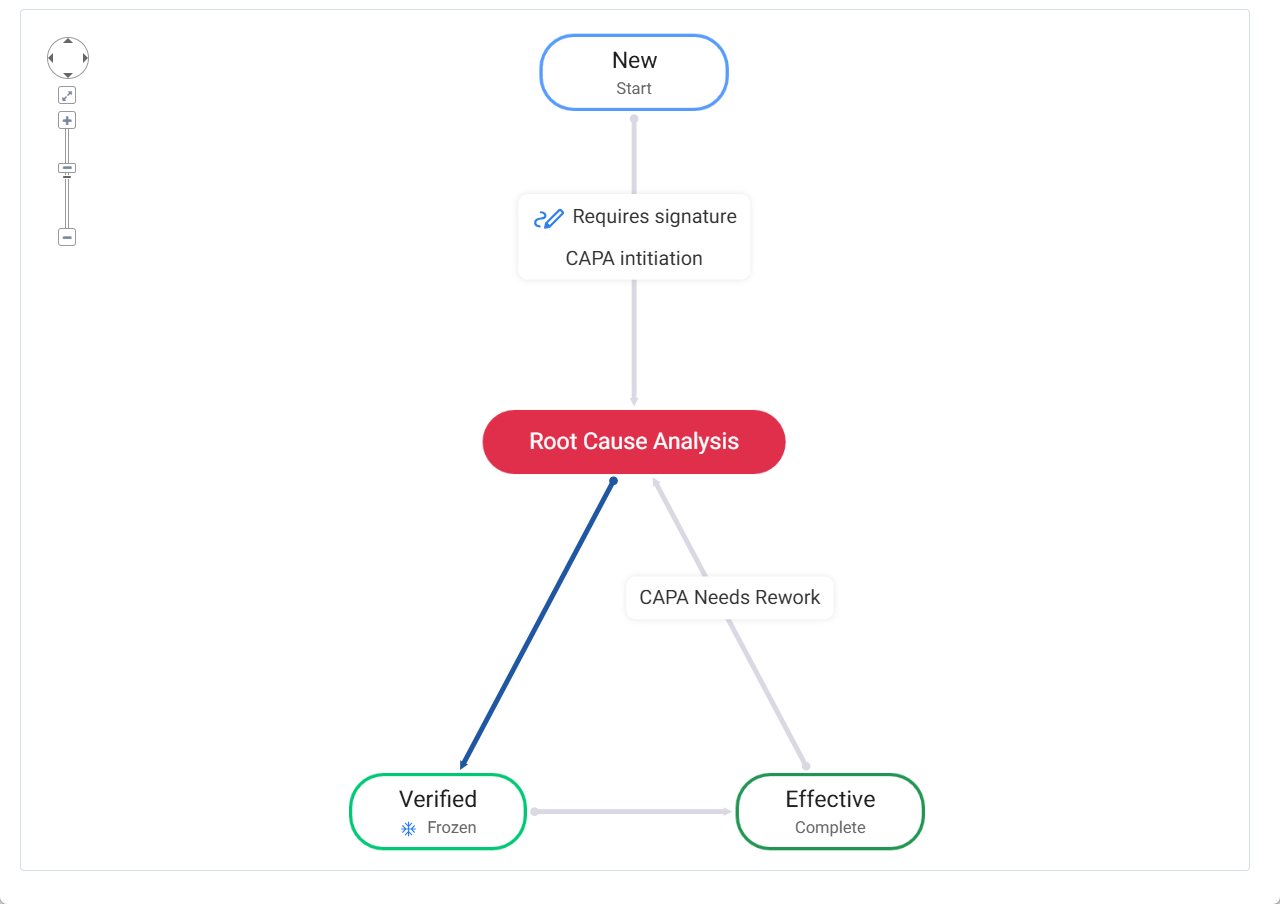
Process Flow Enhancements: Visual layout redesigned with color-coded transitions. Arrows now clearly mark available next statuses in darker blue. Signature and completion indicators added.
Plus, there are a ton of great enhancements and improvements in the application!
We've made several fixes that really boost the overall experience with Orcanos.




_HighPerformer_EMEA_HighPerformer.svg)
_FastestImplementation_Mid-Market_GoLiveTime.svg)

_HighPerformer_Mid-Market_EMEA_HighPerformer.svg)
.png)
.png)
